Saving money on fast food is easier when you use mobile tools correctly. McDonald’s coupons through the app give you direct access to free items, limited deals, and reward-based offers.
Many of these discounts are exclusive and unavailable at the counter without activation. This guide explains how to find, activate, and redeem them step by step so you maximize every order.
Understanding How App Coupons Work
You need basic knowledge of how the system operates before redeeming offers. This prevents errors and missed deals.
What Counts as a Free Coupon?
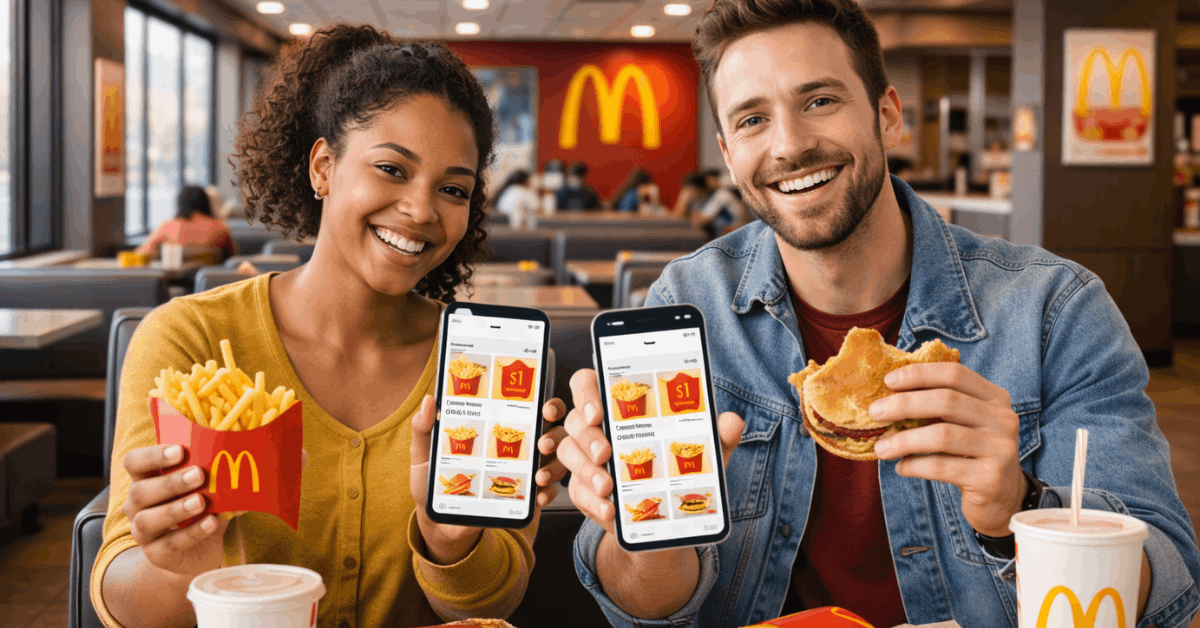
Free coupons are promotional offers that remove the cost of specific menu items. You often receive free fries, drinks, or sandwiches with a minimum purchase.
Some offers require scanning, while others apply automatically to mobile orders. These deals rotate frequently based on campaigns and store participation.
Coupons Vs Rewards Points
Coupons provide instant discounts or free food without requiring any spending. Rewards points build gradually each time you buy through the app.
Points unlock menu items once you reach redemption levels. Understanding the difference helps you plan when to redeem versus when to save.
Why Deals Are App-Exclusive?
Many offers exist only to drive mobile engagement. App ordering reduces in-store friction and speeds fulfillment.
Exclusive coupons encourage downloads and repeat visits. This is why checking the app regularly matters.
Downloading and Setting Up the McDonald’s App
You must complete the setup before accessing deals. Proper configuration ensures coupons load correctly.
Download and Install
The app is available on both major mobile platforms. Install it through the Apple App Store or Google Play Store.
Ensure your device software is updated for compatibility. Installation typically takes under two minutes.
Creating Your Account
Registration requires an email or mobile login. You create a password and verify your identity.
Account creation unlocks deals and rewards tracking. Without a login, coupons remain inaccessible.
Enabling Location and Notifications
Location services allow the app to detect nearby stores. This determines which coupons you can use.
Notifications alert you to new free offers. Enabling both ensures you never miss limited deals.
Navigating the Deals Section
The Deals tab is the control center for all coupons. Learning its layout speeds redemption.
Accessing Active Offers
Open the app homepage and tap “Deals” or “McValue.” You will see a scrollable list of current promotions.
Each tile shows the discount and conditions. Availability updates daily in some locations.
Types of Coupons You Will Find
Offers vary by campaign and time of day. Common examples include free fries with purchase, buy-one-get-one burgers, or discounted meal bundles.
Breakfast, lunch, and late-night deals differ. Reviewing categories helps you plan ordering times.
Reading Coupon Conditions
Each coupon includes usage terms. You must review minimum spend, product eligibility, and time limits.
Some deals activate only during breakfast or dinner hours. Ignoring terms leads to checkout rejection.
Step-By-Step: Redeeming Free Coupons
Redemption requires activation before payment. Timing matters once a deal is opened.
Selecting and Activating the Deal
You tap the coupon you want to use. Then you press “Use Deal” or “Add to Mobile Order.” A countdown timer may begin. You must redeem before expiration.
Choosing Redemption Method
You can redeem in three ways:
- Scan the QR code at the counter
- Provide the code at the drive-thru
- Apply automatically in mobile checkout
Each method works the same once activated.
Finalizing Redemption
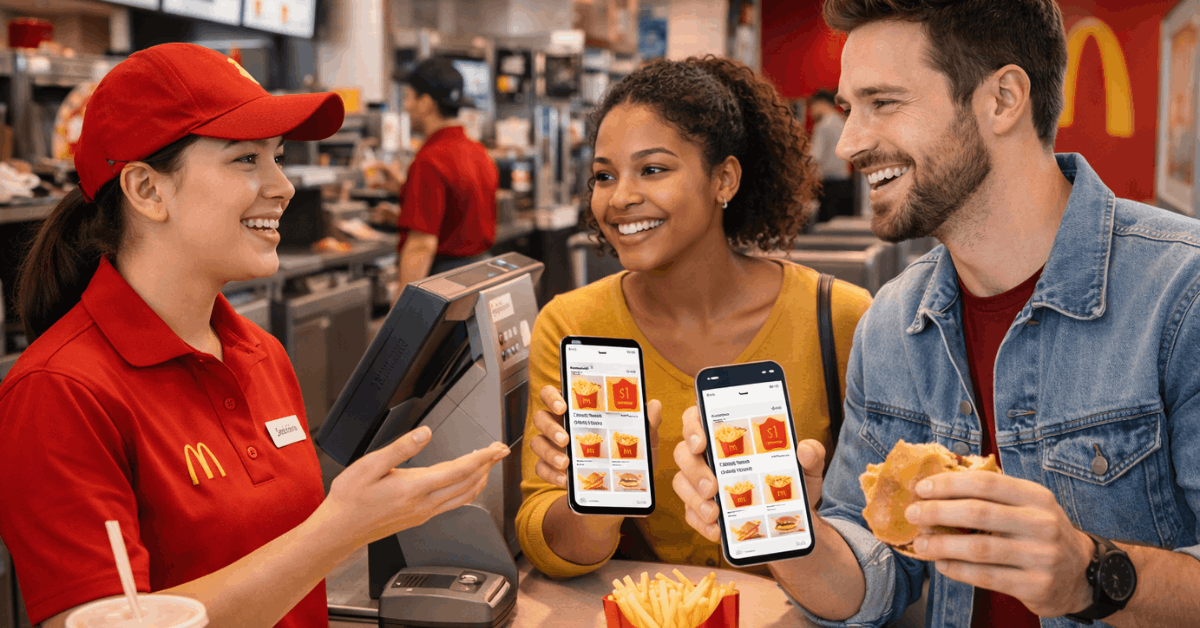
Present the code or confirm the app order. Staff scan or verify the promotion. The discount applies instantly. You receive a digital receipt confirming savings.
Using Coupons in Mobile Orders
Mobile ordering simplifies the entire process. It reduces waiting and ensures deal accuracy.
Applying Deals to Cart
You add items to your cart first. Then you select the coupon before checkout. The system recalculates your total automatically. This confirms eligibility instantly.
Pickup and Fulfillment Options
You can choose from several fulfillment methods:
- Counter pickup
- Drive-thru pickup
- Curbside delivery
- Table service (select stores)
Each option supports coupon redemption.
Earning More Free Food Through Rewards
Rewards expand your access to free items. Points accumulate passively.
How Points Accumulate
You earn points for every dollar spent. Bonus events accelerate earning.
Promotional multipliers appear during campaigns. Consistent ordering increases reward speed.
Redeeming Reward Items
You can exchange points for menu items such as fries, burgers, nuggets, or desserts.
Redemption occurs inside the Rewards tab. Items vary by region and tier. Higher tiers unlock premium food options.
Best Times to Find Free Coupons
Timing influences coupon availability. Strategic checking improves savings.
Seasonal Campaigns
Major holidays trigger aggressive promotions. Summer and back-to-school seasons include free food trials.
Limited-time menu launches also include coupons. These periods deliver the highest value offers.
App Milestones and Anniversaries
The brand runs digital celebrations. These include free items to boost engagement. Anniversary weeks often feature daily coupons. Monitoring alerts ensures participation.
Fixing Common Coupon Problems
Some users encounter redemption errors. Most are easy to resolve.
Coupon Not Scanning
Increase phone brightness before scanning. Clean your screen to remove glare. Position the code steadily under the scanner. These steps fix most failures.
Deals Not Appearing
Update your app to the latest version. Enable GPS permissions. Restart the app if offers fail to load. Store participation may also affect visibility.
Important Usage Rules You Must Know
Restrictions apply to every promotion. Knowing them prevents checkout delays.
Single Coupon Policy
You can only use one coupon per order. Stacking multiple deals is restricted. You must choose the highest-value option. Planning orders helps maximize savings.
Time and Menu Restrictions
Breakfast deals expire when lunch begins. Some items qualify only during dinner hours. Reading time windows are critical. Misuse leads to rejection of payment.
Privacy and Account Safety
Protecting your account protects your rewards. Security should not be ignored.
Login Protection
Use a strong password. Avoid logging in on shared devices. Enable biometric login if available. This prevents unauthorized redemption.
Payment Security
The app uses encrypted transactions. Digital wallets add another security layer. Always log out on public devices. Monitoring receipts detects fraud early.
Final Take: Turn Every Order Into Savings
Using the app strategically transforms how you order fast food. McDonald’s coupons through the app allow you to unlock free items, stack rewards, and reduce meal costs consistently.
Activation takes seconds, but the savings compound over time. If you check deals regularly and redeem wisely, every visit becomes more cost-efficient.